
WizMan
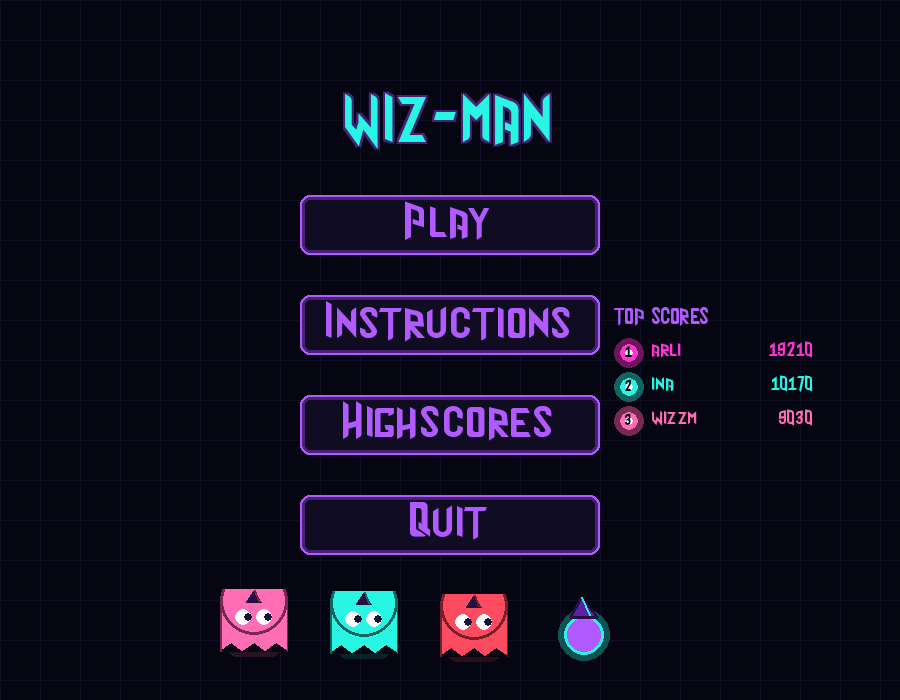
Wiz-Man: Pac-Man, cast in neon.
Guide Wiz-Man, a little wizard in a pointy hat, through glowing mazes. Eat every pellet and stay out of the ghosts' way. The mazes are generated when you start a level, so no two games play the same.
How to play
- Eat every pellet to clear the level.
- The big glowing super-pellets in the corners frighten the ghosts for a few seconds. Chase them down for bonus points.
- Touching a ghost costs a life. Every level has a timer, and running out of time costs you the level.
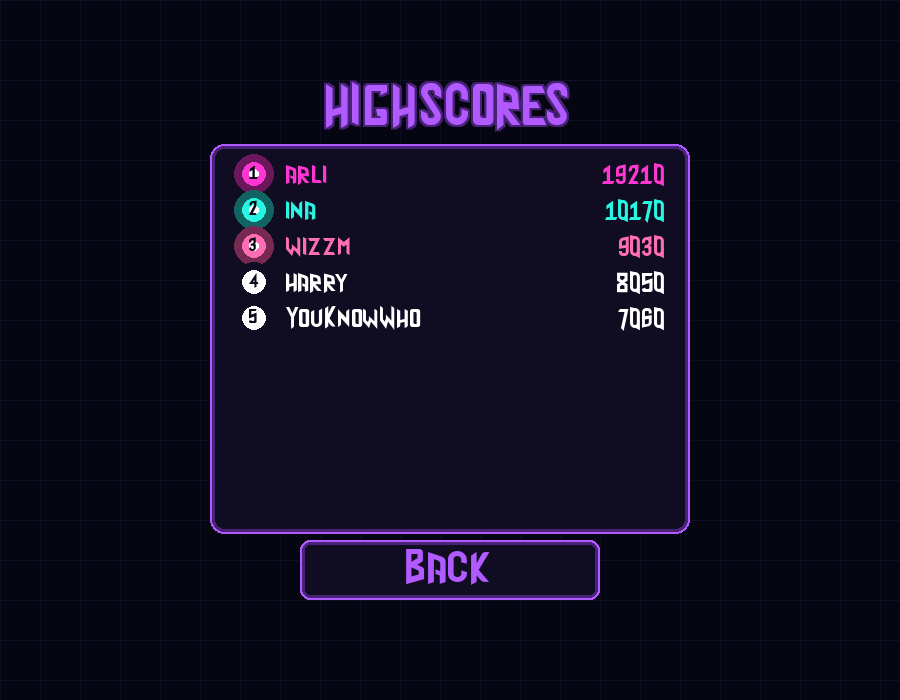
- Clear all 10 levels to win, then put your name on the Top 10 table.
Four ghosts, four personalities
- Blinky comes straight for you.
- Pinky tries to cut you off ahead.
- Inky is hard to predict from a distance.
- Clyde chases you, then loses his nerve up close.
Mazes get bigger, and ghosts (and Wiz-Man) get faster, with every level.
Controls
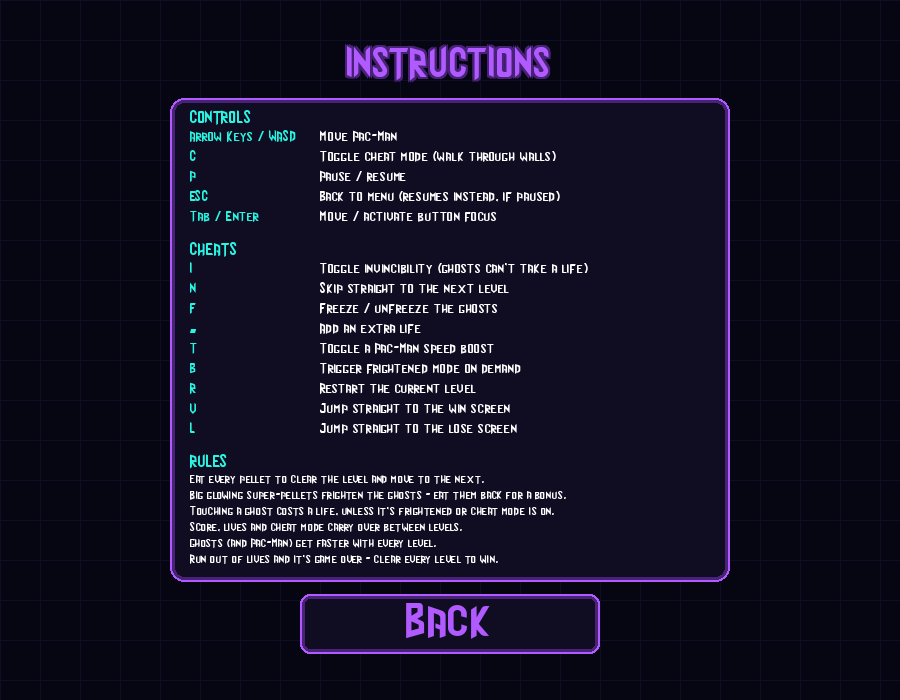
| Arrow keys / WASD | Move |
| P | Pause / resume |
| Esc | Back to menu |
| Tab / Enter or mouse | Menu buttons |
In the browser, click the game once to start it.
Cheats (for testing, or if you're stuck): C walk through walls · I invincibility · F freeze ghosts · T speed boost · N skip level · = extra life · B frighten ghosts · R restart level
Credits Made by askura and iqirko as a project at 42 school. Built with Python and pygame, and runs in the browser with pygbag. Font: "Wizard".
Download
Install instructions
Installing on Linux
- Download wiz-man-linux.zip.
- Extract it anywhere, for example in your home folder. You'll get a
wiz-manfolder. - Open the folder and double-click wiz-man to play.
Or from a terminal:
unzip wiz-man-linux.zip
cd wiz-man
./wiz-man
Nothing else to install: Python and pygame are included.
If it won't start:
- "Permission denied", or double-clicking does nothing: some extractors drop the run permission. Fix it with
chmod +x wiz-man/wiz-man, or in your file manager open Properties → Permissions and tick Allow executing file as program. - "version `GLIBC_2.38' not found": your Linux is too old for this build. It needs Ubuntu 24.04, Debian 13, Fedora 39, Linux Mint 22 or newer. Play the browser version on this page instead.
Custom settings The game reads config.json in the wiz-man folder. Edit it to change the number of lives, the level sizes, the timers and the points. To use a different config file, run ./wiz-man my_config.json. The full list of options is in PLAY.txt.
High scores are saved in highscore.json in the same folder, so keep the folder somewhere you can write to (not /opt or another system folder).
Only 64-bit x86 PCs are supported; ARM devices such as a Raspberry Pi won't work.
Leave a comment
Log in with itch.io to leave a comment.